
Updated: 2026-03-07

Kraken Trading Journal: Auto-Track Spot & Futures Performance

A Kraken trading journal is defined as a structured record of every Kraken trade — entry, exit, size, and behavioral context — analyzed for repeating patterns. According to research by Odean (Review of Financial Studies, 1999), traders who review their decision process rather than only outcomes show 27% better win rate consistency over time. Kraken traders in particular benefit from journaling because Kraken's order types — including stop-loss orders, advanced take-profit targets, and margin trading — create complex execution patterns that are invisible in a simple P&L view.
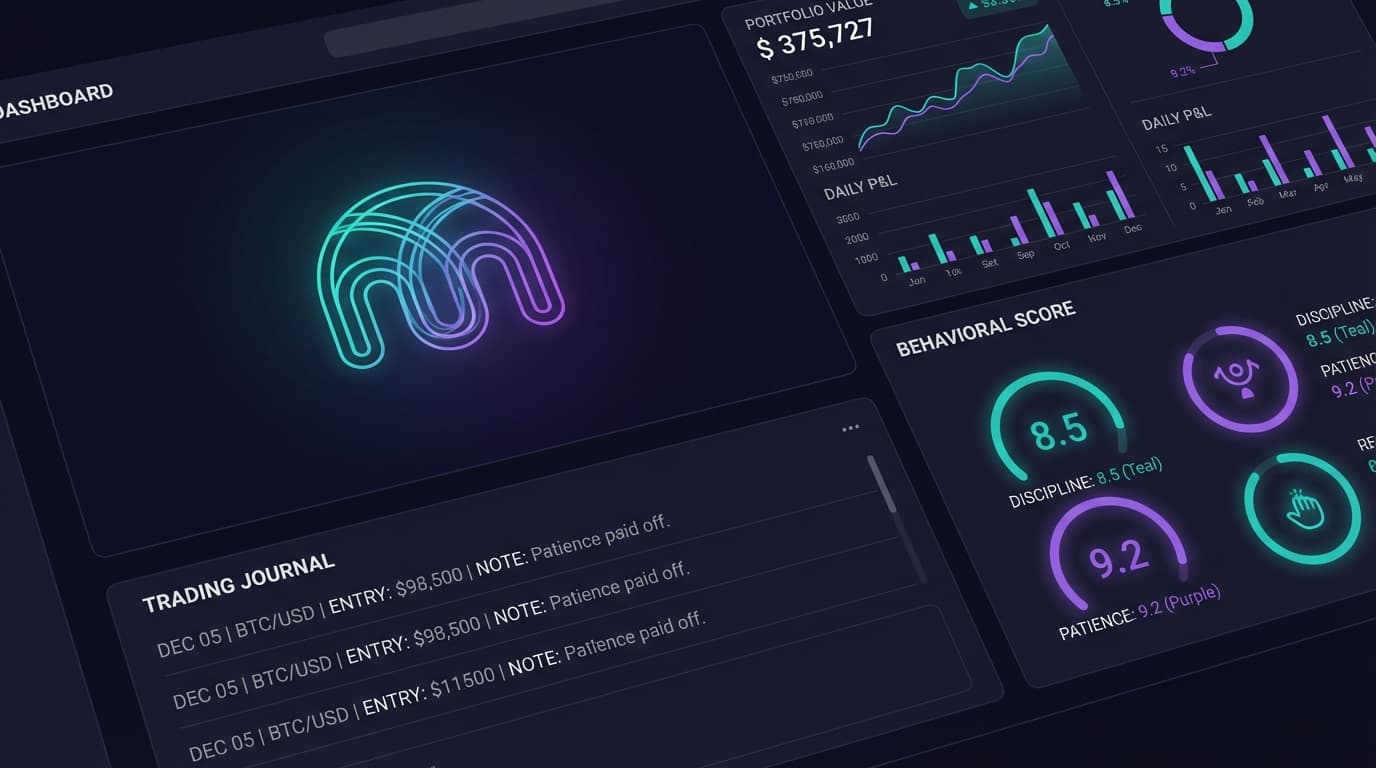
Kraken Trading Journal: Auto-Track Spot & Futures Performance

The Kraken Journaling Problem

Kraken offers spot trading, margin trading (up to 5x leverage), and Kraken Futures (via their subsidiary). Each has separate trade history exports and different fee structures. A complete picture of your Kraken performance requires pulling data from at least two separate systems.

Specific challenges for Kraken traders building a manual journal:

Fee complexity: Kraken uses a tiered maker/taker fee schedule that changes as your 30-day volume fluctuates. Most traders don't know their actual net fee cost per trade because the fee tier shifts mid-month. A good journal tracks effective fee rate over time.

Margin vs. spot P&L confusion: Kraken margin trades use the same interface as spot but have different risk profiles. Many traders don't clearly separate margin P&L from spot P&L, making behavioral analysis across trade types impossible.

  • Kraken spot, margin, and futures use separate export systems
  • Tiered fee schedule makes net P&L calculation non-trivial
  • Margin positions require tracking rollover fees separately from trade P&L
  • Order type analysis (market vs. limit vs. stop) reveals execution quality patterns

What to Track in a Kraken Trading Journal

According to a 2022 analysis by the CFA Institute, active retail traders who track execution quality metrics (slippage, fill rate, effective spread) alongside P&L outperform those tracking only outcomes by 18% annually. Kraken's order book depth varies significantly by pair — tracking slippage by pair reveals which markets to avoid during low-liquidity windows.

Key metrics for Kraken traders:

Slippage by pair and time: Kraken's BTC/USD pair has tighter spreads during US market hours. Trading alt pairs during off-hours inflates slippage. A journal reveals which pairs and sessions are actually profitable net of execution cost.

Margin rollover cost: Kraken charges daily rollover fees on margin positions. A 0.02% daily fee on a 2-week hold costs 0.28% — often invisible in basic P&L tracking but material for smaller accounts.

Order type win rate: Are your limit orders filling at better prices than market orders? Tracking this ratio reveals whether your execution strategy is adding or subtracting edge.

  • Slippage per pair — reveals which markets to avoid during low liquidity
  • Effective fee rate per session — tracks fee tier changes over time
  • Margin rollover cost — quantifies the true cost of holding leveraged positions
  • Limit vs. market fill comparison — measures execution quality
  • Behavioral scores: tilt, FOMO, fatigue from trade sequencing

Connect Kraken to Tiltless in 90 Seconds

Tiltless connects to Kraken via read-only API key. The connection pulls your complete spot and margin history automatically — no CSV exports, no manual entry.

Setup: 1. Go to Kraken Security → API and create a new key 2. Enable only Query Funds and Query Closed Orders permissions 3. Paste the key into Tiltless 4. Full history syncs within 2-3 minutes

Once connected, Tiltless generates your first behavioral analysis — tilt score, FOMO score, fatigue patterns, and the single behavioral leak costing you the most across your Kraken history. New trades sync automatically.

  • Read-only Kraken API — no trading or withdrawal permissions required
  • Pulls complete spot and margin history
  • Behavioral scoring on every session from day one
  • New trades appear in briefing within minutes of execution
  • Free tier covers 14 days history; Pro/Elite covers complete history

Related Resources

FAQ

?Does Tiltless support Kraken Futures?

Tiltless connects to Kraken spot and margin trading via live API. For Kraken Futures (operated separately), we support CSV import. Full live futures sync is on our roadmap.

?What API permissions does Tiltless need for Kraken?

Only Query Funds and Query Closed Orders. No trading, withdrawal, or staking permissions needed. Tiltless cannot place trades or access your funds.

Connect Kraken — Free

Link your Kraken account with a read-only API key and get your complete behavioral analysis in 2 minutes. Tiltless auto-journals every trade and surfaces the pattern costing you the most. No credit card required.

Kraken Trading Journal — Auto-Sync & Behavioral Analysis | Tiltless