Updated: 2026-03-06

Coinbase Advanced Trading Journal: Track Every Trade Automatically

Coinbase Advanced is the platform of choice for US-based crypto traders who want institutional-grade execution with regulatory compliance. It combines spot markets, Bitcoin futures, and a growing derivatives suite. If you are trading on Coinbase Advanced without a journal, you are navigating by feel instead of data. Here is how to build one that works automatically.

Coinbase Advanced Trading Journal: Track Every Trade Automatically

Why Coinbase Advanced Traders Need Behavioral Tracking

Coinbase Advanced attracts a specific type of trader: US-based, often compliance-conscious, frequently coming from TradingView or brokerage backgrounds rather than offshore crypto exchanges. This trader demographic tends to be more technically analytical — and therefore more likely to assume that chart analysis alone explains their results.

It does not. Chart analysis governs entry selection. Behavior governs execution. The two are completely separate.

The patterns that erode P&L for Coinbase Advanced traders are the same as any platform: cutting profitable trades early because the position showed unrealized loss for a moment, holding losing positions past the stop because 'it will recover,' sizing up after a win streak, and trading in the final hour of the session when cognitive depletion is highest. None of these patterns are visible in Coinbase's native interface. All of them are visible in a behavioral journal.

How to Connect Coinbase Advanced to Tiltless

Tiltless connects to Coinbase Advanced via read-only API. Your funds cannot be moved — the API can only read your trade history.

Setup:

  • Log into Coinbase Advanced → Settings → API → New API Key
  • Set nickname (e.g., 'Tiltless journal')
  • Under permissions: select 'View' only — no trading, no transfer permissions
  • Complete passphrase and 2FA verification
  • Copy API Key, Secret, and Passphrase
  • In Tiltless: Connect Exchange → Coinbase Advanced → paste credentials
  • Tiltless syncs spot trading, Advanced futures, and full order history

Which Coinbase Advanced Markets Tiltless Tracks

Tiltless captures all major Coinbase Advanced trading activity in a unified journal:

  • Spot markets — all spot buy/sell orders across the full Coinbase Advanced asset list, including partial fills aggregated into complete positions
  • Nano Bitcoin futures (BIT) — cash-settled Bitcoin futures sized at 1/100 of a BTC, accessible to US retail traders without a futures account
  • Nano Ether futures (ET) — cash-settled Ether futures; same structure as BIT
  • Advanced perpetuals — where available for eligible accounts
  • All markets display in a unified journal with consistent behavioral analytics

Behavioral Analytics That Matter for Coinbase Advanced Traders

After connecting, Tiltless surfaces the patterns that explain Coinbase Advanced P&L variance:

  • Spot vs. futures behavioral split — many traders perform differently on spot vs. leveraged futures; the comparison shows whether leverage pressure is changing your execution
  • Asset concentration analysis — which coins are profitable and which are not; whether losses cluster in specific market conditions or instrument types
  • Session-hour performance — Coinbase Advanced has strong US session liquidity; your optimal trading window is specific to you and measurable in the data
  • Post-loss trade quality — win rate on trades placed within 30 minutes of a loss vs. your baseline; the gap is the cost of emotional reaction
  • Holding period analysis — average hold time on winners vs. losers; if you hold losers longer than winners, you have a disposition effect problem
  • Madison AI coach — evidence-based coaching referencing your specific Coinbase Advanced trade patterns

Trading Patterns Common Among Coinbase Advanced Users

Coinbase Advanced's regulatory environment and US-centric user base create some specific behavioral tendencies:

News-driven volatility entries: US regulatory news, ETF flow data, and macro announcements all hit during US market hours — exactly when Coinbase Advanced is most active. Traders who enter positions reactively during these events (rather than from pre-planned setups) show consistently lower win rates than their planned-setup baseline. The journal makes this gap explicit.

BTC dominance tunnel vision: Coinbase Advanced traders often have heavy concentration in BTC and ETH. The journal surfaces whether your altcoin trades (when taken) have worse performance than your BTC/ETH trades — a common pattern where unfamiliarity with alt market structure leads to worse entries and exits.

Nano futures misuse: Coinbase's nano futures are sized for retail accessibility, which sometimes leads traders to size up aggressively because 'the contracts are small.' Position size relative to account equity is what matters — not the nominal contract size. The leverage audit in the journal catches this.

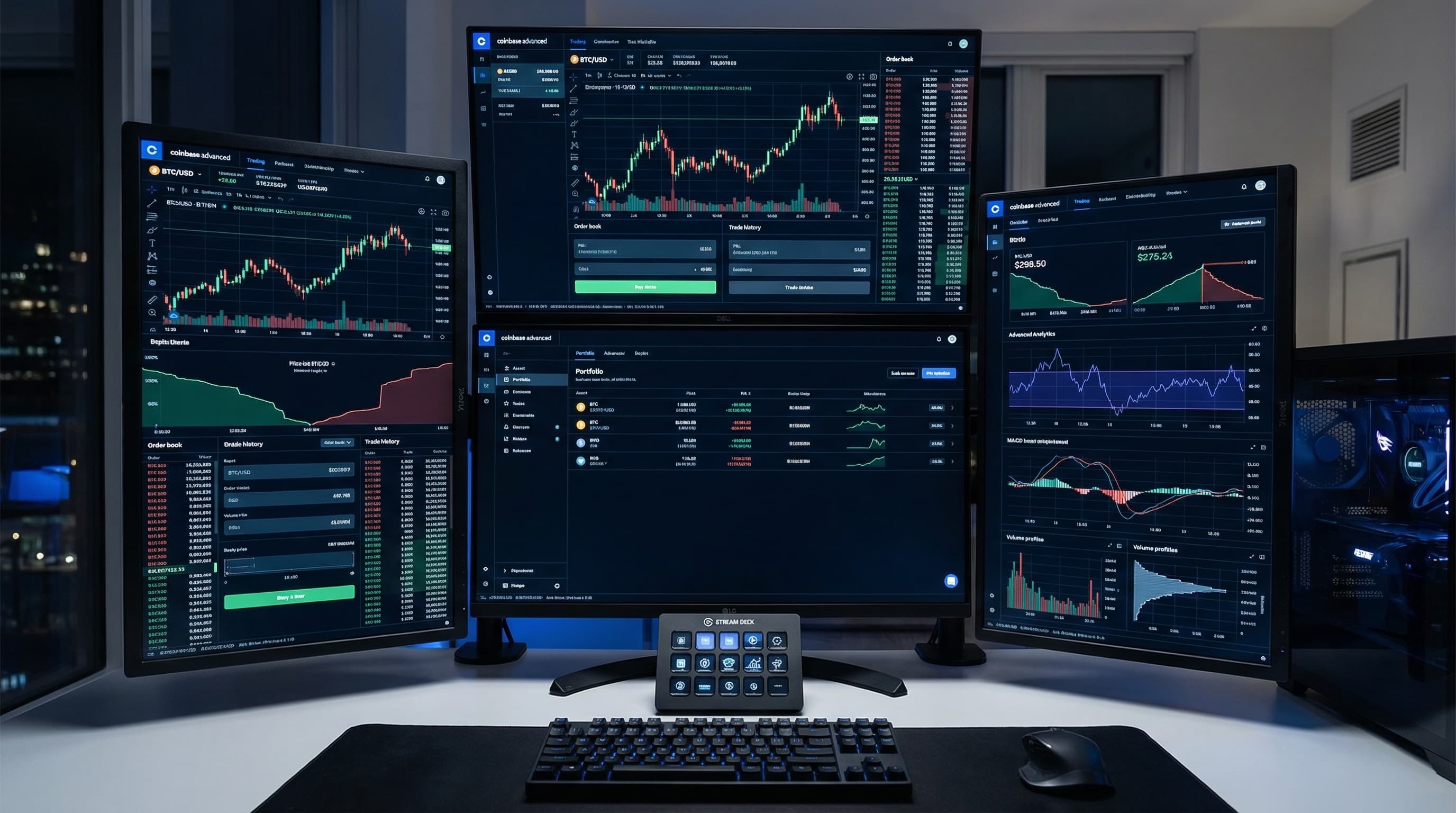
Weekly Coinbase Advanced Journal Review (20 Minutes)

A structured weekly review for Coinbase Advanced traders:

  • Spot vs. futures comparison: calculate win rate and expectancy separately for each — if futures is consistently underperforming spot, reduce futures exposure or leverage
  • Asset performance split: calculate win rate separately for BTC, ETH, and altcoins — if altcoin win rate is more than 10 points below your major asset win rate, reduce altcoin trading
  • Session timing: identify your profitable vs. unprofitable 2-hour windows during the US trading session — avoid trading your worst windows
  • News event audit: flag trades entered within 30 minutes of a major news event and calculate their win rate separately — most traders are worse at news-driven entries than they believe
  • Best setup review: identify the 2-3 trade types that generated the most positive expectancy this week — size up on those, reduce everything else

Related Resources

FAQ

?Does Tiltless support Coinbase Advanced spot and futures?

Yes. Tiltless syncs Coinbase Advanced spot trading and nano Bitcoin/Ether futures into a unified journal. All position types are included in behavioral analytics and pattern detection.

?What API permissions does Tiltless need for Coinbase Advanced?

View-only permissions. Tiltless needs read access to your trade history and order history — nothing else. No trading permissions, no transfer permissions, no withdrawal access. The API key Tiltless uses cannot affect your account in any way.

?How is Tiltless different from Coinbase Advanced's built-in analytics?

Coinbase Advanced shows account balance history and basic trade logs. Tiltless provides behavioral analysis: post-loss trade quality, session-hour P&L curves, asset performance splits, leverage behavior by outcome, and AI coaching tied to your specific patterns. Coinbase tells you your balance. Tiltless tells you why it moved the way it did.

?Can I use Tiltless if I trade on both Coinbase Advanced and other exchanges?

Yes. Tiltless supports 8 crypto exchange connectors and 21 broker import presets. You can connect Coinbase Advanced alongside Binance, Bybit, Hyperliquid, or any traditional broker, and all trade data appears in a single unified journal with consistent analytics across all platforms.

Connect Your Coinbase Advanced Account — Free

Tiltless syncs your Coinbase Advanced trade history automatically. See your behavioral patterns, asset performance split, and AI coaching within minutes of connecting.

Coinbase Advanced Trading Journal — Auto-Sync, Analytics & Pattern Detection