Updated: 2026-03-07

Trading Journal Spreadsheet: Build One That Actually Improves Your Trading

A trading journal spreadsheet sounds like the obvious starting point — cheap, flexible, already on your computer. The problem is that 90% of traders build spreadsheets that only track what happened, not why it happened. They log entry price, exit price, and P&L. Three months later, they have a ledger, not an edge. This guide covers what a trading journal spreadsheet actually needs to include, the formulas that make it useful, and when you have outgrown a spreadsheet and need something better.

Trading Journal Spreadsheet: Build One That Actually Improves Your Trading

What Most Trading Spreadsheets Get Wrong

The average trading spreadsheet is a P&L tracker wearing a journal's clothing. Traders record the mechanical facts of each trade — ticker, direction, entry, exit, size — and calculate their net result. This is useful for accounting. It is not useful for improvement.

The problem is that mechanical data cannot explain behavioral patterns. If you look at your spreadsheet and see 47 losing trades over three months, the spreadsheet tells you nothing about why. Were they all in the same market condition? Did they cluster around specific times of day? Were they revenge trades after big losses? A spreadsheet with only price columns cannot answer these questions.

According to a 2011 study by Barber, Lee, Liu, and Odean published in The Review of Financial Studies, individual traders who track performance data and adjust their behavior based on that data significantly outperform those who do not — but the key word is 'adjust.' Data without behavioral context does not produce adjustment. It just produces a longer spreadsheet.

The second thing traders get wrong is overcomplicating the formulas and undercomplicating the review process. They spend hours building a dashboard with sparklines and conditional formatting, then never actually sit down to review what the data means. A simple spreadsheet with a weekly review ritual beats a complex spreadsheet that collects data and nothing else.

  • Tracking only price data gives you accounting, not insight
  • Behavioral columns (emotional state, setup grade, plan adherence) are what drive improvement
  • A weekly review ritual matters more than dashboard complexity
  • P&L alone cannot explain why you are losing — context columns can

The Essential Columns for a Trading Journal Spreadsheet

Every trading journal spreadsheet needs two layers: mechanical data and behavioral data. Most traders have the first. Almost none have the second.

Mechanical columns (the minimum): Date, Ticker/Instrument, Direction (Long/Short), Entry Price, Exit Price, Position Size, Gross P&L, Net P&L (after commissions), Time In Trade.

Behavioral columns (where the edge lives): Setup Type (which pattern/strategy triggered this trade), Grade (A/B/C — how well did it match your criteria?), Planned vs. Actual (did you execute the plan or deviate?), Emotional State at Entry (1-5 scale, or labels: calm/anxious/FOMO/revenge), Market Condition (trending/choppy/news-driven), Session Notes (one sentence: what happened and why you took the trade).

Performance columns (derived, not manually entered): R-Multiple (P&L divided by your initial risk per trade), Running Win Rate, Average Win/Average Loss ratio, Expectancy (win rate × average win) − (loss rate × average loss).

The behavioral columns are the hardest to fill out consistently. The natural impulse after a bad trade is to close the platform and walk away. Creating a post-trade ritual — filling in these columns before shutting down — is the habit that separates traders who improve from those who repeat the same mistakes indefinitely.

  • Mechanical: date, ticker, direction, entry, exit, size, gross/net P&L, time in trade
  • Behavioral: setup type, grade, plan adherence, emotional state, market condition, session notes
  • Performance: R-multiple, running win rate, avg win/loss ratio, expectancy
  • Fill behavioral columns immediately after exit — not at end of day

The Formulas That Make a Trading Spreadsheet Useful

You do not need a complex spreadsheet. You need these formulas, working correctly.

R-Multiple: =(Net P&L) / (Entry Price × Position Size × Risk Percentage). Normalizes all trades to a common unit regardless of account size or position size. A +3R win with 100 shares is the same quality outcome as a +3R win with 1000 shares. This is how you compare trades across different instruments and position sizes.

Expectancy: =AVERAGEIF(Grade column, "A", R-Multiple column). Calculate this separately for each setup grade. If your A-grade setups have positive expectancy and your C-grade setups have negative expectancy, the implication is obvious: stop taking C-grade setups.

Win Rate by Setup: =COUNTIFS(Setup column, setup name, Outcome, ">0") / COUNTIF(Setup column, setup name). Calculate for each setup type. Some setups may be profitable despite low win rates (high R-multiples on winners); others may require high win rates to work. Knowing this prevents you from abandoning a valid strategy during a normal losing streak.

Emotional State vs. Outcome: =AVERAGEIF(Emotional State column, "anxious", R-Multiple column). If your average R-multiple when entering anxious is −0.8 and when calm is +0.6, you have quantified exactly how much emotional state affects your results. This is the kind of data that changes behavior.

Drawdown: Running min of cumulative P&L. Track your peak-to-trough drawdown in dollar and percentage terms. This tells you whether a losing streak is within normal variance or outside your historical pattern.

  • R-Multiple normalizes all trades regardless of position size
  • Expectancy by setup grade reveals which patterns you should stop taking
  • Win rate by setup prevents abandoning valid strategies during normal drawdowns
  • Emotional state vs. R-multiple quantifies the cost of trading while anxious

When to Move Beyond a Spreadsheet

A spreadsheet is the right tool when you are starting out, trading infrequently, or testing whether journaling has any value for your process. At some point, the spreadsheet becomes the bottleneck.

The signs you have outgrown a spreadsheet:

Manual entry friction: If you trade 10-20 times per day, manually entering every trade is 20-40 minutes of administrative work. That time is either borrowed from analysis or from sleep. When data entry becomes a chore, compliance drops — and an incomplete journal is worthless.

No automatic computation: Spreadsheets do not automatically pull your trade data from your broker. You re-key every fill, including partials, scaling, and adjustments. A single error in size or price cascades into wrong P&L, wrong R-multiples, wrong win rates. Spreadsheet journals have a systematic accuracy problem.

Limited pattern recognition: A spreadsheet can calculate the metrics. It cannot surface the pattern that your losing trades cluster in the first 30 minutes of the session, that your R-multiple drops by 40% in choppy market conditions, or that you have a 23% lower win rate on Fridays. Finding those patterns requires filtering, sorting, and cross-referencing across hundreds of trades — which requires hours in a spreadsheet or seconds in a tool built for it.

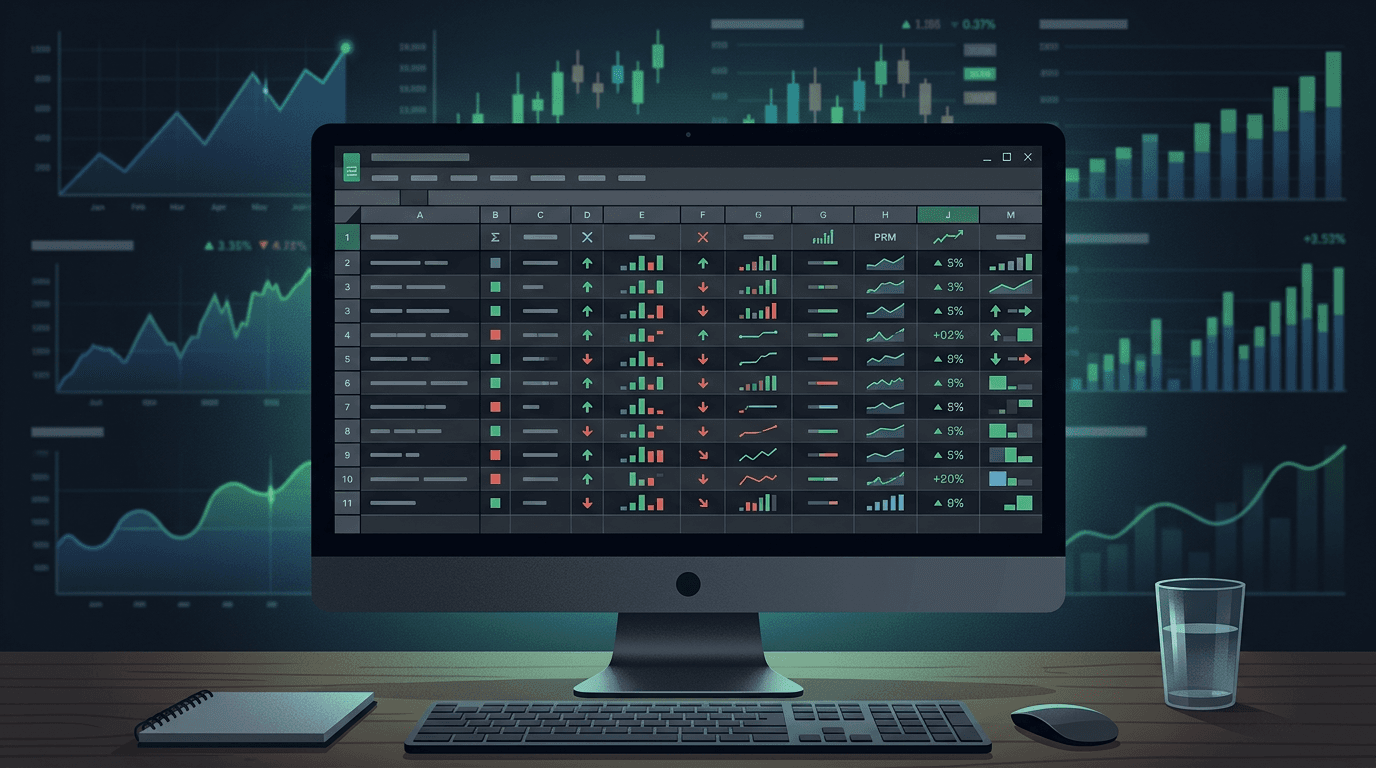
Tiltless imports your trades automatically from your broker, computes every metric, and surfaces the patterns that would take hours to find in a spreadsheet. The journal work — the reflection, the setup grading, the behavioral tagging — is still yours to do. The mechanical computation is handled for you.

  • Manual entry becomes a bottleneck at high trade frequency
  • Spreadsheet accuracy degrades with partials, scaling, and manual re-keying
  • Pattern recognition requires cross-referencing that takes hours in a spreadsheet
  • Move to a dedicated tool when the journal friction exceeds the journal value

Related Resources

FAQ

?What is the best format for a trading journal spreadsheet?

One row per trade, with mechanical columns (date, ticker, direction, entry, exit, size, P&L) followed by behavioral columns (setup type, grade, emotional state, plan adherence). Add calculated columns for R-multiple and expectancy. Keep it simple enough to fill out within 2 minutes per trade.

?Should I use Excel or Google Sheets for my trading journal?

Google Sheets is preferable for most traders because it is accessible from any device, automatically saves, and can pull market data via GOOGLEFINANCE(). Excel offers more powerful formulas and faster performance with very large datasets. Either works — consistency matters more than the platform.

?What is R-multiple and how do I calculate it in a spreadsheet?

R-multiple is your net P&L divided by your initial risk on the trade. If you risked $100 and made $200, that is a +2R trade. If you risked $100 and lost $150, that is a −1.5R trade. This normalizes all trades to a common unit so you can compare outcomes across different instruments and position sizes.

?How many trades do I need before my spreadsheet data is meaningful?

A minimum of 50-100 trades per setup type before drawing statistical conclusions. Win rates and expectancy calculated on fewer trades have too much variance to be reliable. Focus on filling in behavioral data consistently from day one — the patterns will become clear as the sample size grows.

?Can I import trades from my broker into a spreadsheet automatically?

Most brokers offer CSV export of your trade history, which you can import into a spreadsheet. Automatic real-time import requires API access and programming knowledge. Dedicated trading journal software like Tiltless handles broker imports automatically without manual CSV work.

Skip the spreadsheet friction

Tiltless imports your trades automatically and computes every metric a spreadsheet would calculate — plus the behavioral patterns a spreadsheet never could. Connect your broker free.

Trading Journal Spreadsheet: The Complete Guide (Templates + What to Track)