
Updated: 2026-03-06

Interactive Brokers Trading Journal: Import IBKR Data and Find Your Behavioral Leaks

Interactive Brokers is among the most popular platforms for serious active traders — its low commissions, wide asset coverage (stocks, options, futures, forex, bonds), and global market access make it the default choice for professional retail traders. IBKR's Trader Workstation (TWS) provides detailed trade confirmations and performance reports, but these analytics are position-centric: they show you what happened, not why. Barber and Odean's 2000 analysis of 66,465 brokerage accounts found that the most active traders — the exact profile of most IBKR clients — underperformed passive investors by 6.5% per year. The differentiator is not the platform or the strategy — it is whether traders systematically analyze their behavioral state across sessions. This guide covers every method to export IBKR data and import it into a behavioral journal for the analysis that IBKR's native tools do not provide.
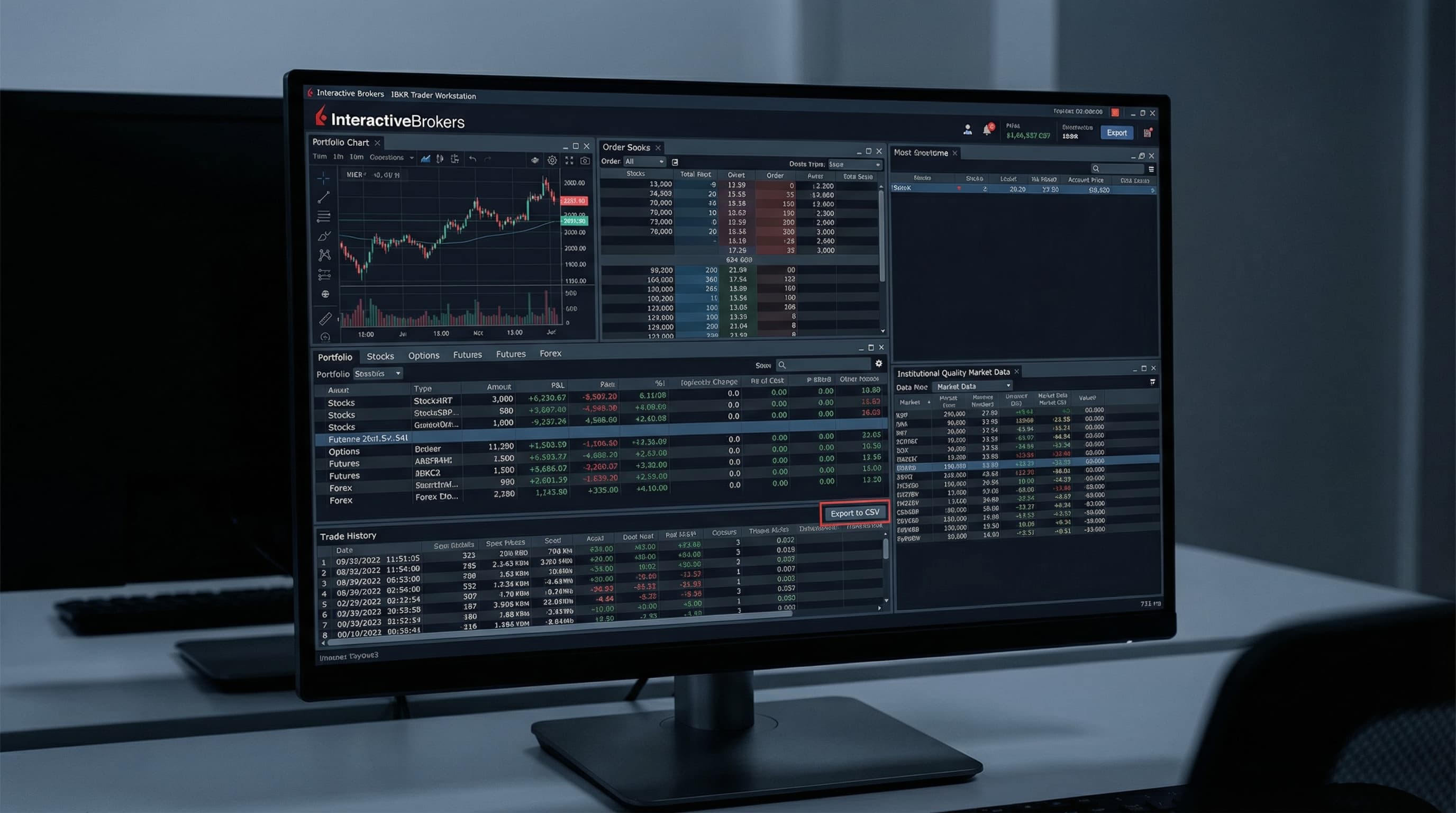
Interactive Brokers Trading Journal: Import IBKR Data and Find Your Behavioral Leaks

Method 1: Flex Query (Most Powerful, Recommended)

IBKR's Flex Query system is the most powerful export method — it allows you to configure exactly which fields to include and export historical data going back years. This is the recommended method for journal import because it produces a clean, complete trade file.

  • Log into Account Management at interactivebrokers.com → Reports → Flex Queries
  • Click 'Create' to create a new Activity Flex Query
  • In the Sections menu, enable 'Trades' and select the fields you need: Trade Date, Symbol, Asset Category, Buy/Sell, Quantity, Price, Realized P&L, Commission, OrderID
  • Set your date range (up to 5 years available) and output format as CSV
  • Save the query, then run it — the CSV downloads to your browser
  • For multi-account users: run the query at the account level or use the consolidated account to export all sub-accounts together

Method 2: Performance Report (Simpler, Less Detail)

For a quick export without configuring Flex Query, IBKR's Performance Report provides a summary of realized gains and losses by position. This method is faster but provides less granular data — it shows per-position P&L but not individual fill timing or order-level detail.

  • In TWS desktop: Account → Performance → Realized Gains/Losses
  • Set your date range and click Export
  • In Account Management web: Reports → Tax → Realized Gains → Download CSV
  • This format is best for importing a P&L summary when you don't need intraday fill timing
  • Note: options multi-leg strategies appear as individual legs — the journal importer needs to group them

Importing IBKR Data into Tiltless

Tiltless supports both IBKR Flex Query exports and Performance Report CSV files. The importer handles IBKR's asset category field to correctly classify stocks, options, futures, and forex trades, and applies the correct contract multiplier for futures P&L calculation.

  • Go to Connections → Import → Interactive Brokers in your Tiltless dashboard
  • Upload your Flex Query CSV or Performance Report export
  • The importer automatically classifies asset types and groups multi-leg options positions
  • For futures: contract multipliers are applied automatically for /ES, /NQ, /CL, and all CME/CBOT/NYMEX products
  • For forex: pip values are normalized to your account currency for consistent P&L reporting
  • After import, Edge Lab runs behavioral analysis — results appear in your session briefing

Multi-Account Analysis for IBKR Users

Many serious IBKR users run multiple accounts — a margin account and an IRA, or separate accounts for different strategies. Tiltless supports multi-account import, allowing you to analyze behavioral patterns across all accounts or isolate analysis by account.

  • Import each account's Flex Query export separately, or use IBKR's consolidated account export to pull all sub-accounts in a single file
  • In Tiltless, trades from different imports are tagged by source — you can filter Edge Lab analysis by account
  • For strategy-separated accounts: run separate Edge Lab analyses to see if your behavioral patterns differ between strategies
  • Common finding: traders who are more disciplined in their IRA (more patient, less frequent trading) than in their margin account — this is a behavioral data point, not a coincidence

What IBKR's Native Analytics Don't Show You

IBKR provides excellent position-level analytics: realized P&L by symbol, options P&L by expiry, futures daily performance, and detailed commission tracking. What it does not provide is behavioral context — the analysis of how your decision-making changes under different conditions. This is the layer that a behavioral journal adds.

  • Post-loss behavior: IBKR shows you the P&L of every trade. It does not show you that your win rate drops 28% on trades placed within 15 minutes of a stop-out.
  • Session extension: IBKR shows you your trade times. It does not show you that your P&L per trade in the last 30 minutes of extended sessions is -$180 versus +$22 in your first hour.
  • Sizing consistency: IBKR shows you position sizes. It does not show you that your position sizes on losing Mondays are 2.3x your standard size on subsequent days — the revenge size pattern.
  • Behavioral state correlation: Tiltless correlates your behavioral scores (tilt, FOMO, fatigue) with P&L outcomes. IBKR has no equivalent — it cannot know your behavioral state, only your trade outcomes.

Related Resources

FAQ

?Does Tiltless support IBKR options including multi-leg strategies?

Yes. IBKR's Flex Query export includes all legs of options strategies with their individual fills. Tiltless groups these into complete positions (spreads, strangles, iron condors, etc.) based on the underlying, expiry, and execution timing. P&L is calculated on a per-position basis using net premium paid/received adjusted for commissions. Single-leg options (naked calls/puts, covered calls) are supported as well.

?How far back does IBKR trade history go for export?

IBKR Flex Query supports trade history going back to account opening, which for most accounts means 5–10 years of complete trade data. This makes IBKR one of the best-supported platforms for long-term behavioral analysis — you can identify patterns across years of trading rather than just recent months. The Performance Report export is typically limited to the current tax year.

?Can I analyze forex trades from IBKR in Tiltless?

Yes. IBKR's Flex Query exports forex trades with pip quantities and execution prices. Tiltless normalizes forex P&L to your account currency using the applicable exchange rates at trade time. Major and minor pairs are all supported. The behavioral analysis applies the same way — FOMO scores, tilt patterns, and post-loss behavior are computed identically regardless of whether the instrument is EUR/USD or /ES.

?Does Tiltless work with IBKR paper trading accounts?

Yes. IBKR paper trading accounts have the same Flex Query and report export functionality as live accounts. Importing paper trading data into Tiltless allows you to run behavioral analysis on your simulated trading before going live. This is particularly valuable for testing whether your behavioral patterns in simulation match your live account patterns — a material difference between the two often predicts live account underperformance.

Import Your IBKR History — Free

Upload your Flex Query export and Tiltless runs behavioral analysis on your complete Interactive Brokers trade history. Find the patterns TWS does not show you.

IBKR Trading Journal: Import Interactive Brokers Data and Find Your Leaks | Tiltless