Updated: 2026-03-07

TradeStation Trading Journal: Export Trades, Analyze Your Edge, and Fix What's Broken

TradeStation gives you one of the most powerful analytical platforms in retail trading — built-in strategy testing, market scanner, and detailed reporting. What it doesn't give you is the behavioral layer: the analysis of why your performance varies across setups, sessions, and emotional states. This guide covers how to export your TradeStation trade data, what metrics matter most, and how to build a journaling workflow that turns your history into a genuine performance improvement system.

TradeStation Trading Journal: Export Trades, Analyze Your Edge, and Fix What's Broken

How to Export Your Trade History from TradeStation

TradeStation offers trade history export through the Account Summary and Trade Activity sections. For most users, the most useful export is the Transaction History, which includes all fills.

Export process: 1. Open TradeStation Desktop or Web 2. Navigate to Account → Transaction History 3. Set your date range (90 days is a good starting point for recent analysis) 4. Right-click on the data grid and select Export → Export to CSV, or use the Export button in the toolbar 5. Save the file with a date-stamped name for reference

The TradeStation export includes: symbol, action (buy/sell/short/cover), quantity, price, date/time, and commission. For options traders, it includes expiration and strike data in the symbol field.

One important note: TradeStation's export captures individual fills, not completed round-trip trades. For strategies that scale in or out, multiple fills may constitute a single trade. A dedicated journal automatically pairs these fills into logical trades — a manual spreadsheet requires additional formulas.

For TradeStation strategy backtests, you can export the Strategy Performance Report as a CSV, which is separate from live account transaction history but contains useful historical EV data for your automated strategies.

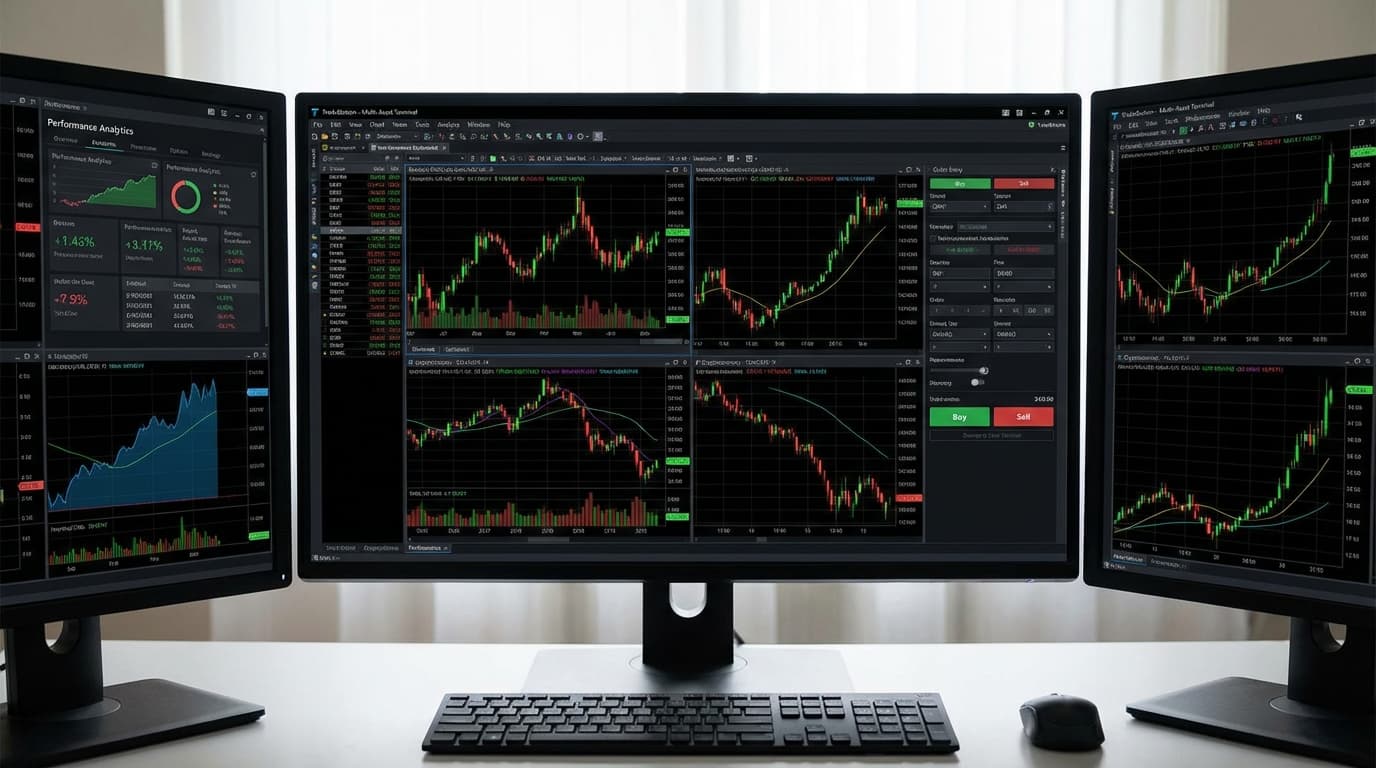
  • Export path: Account → Transaction History → set date range → Export to CSV
  • Export includes fills, not round-trips — multi-fill trades require pairing logic
  • Options exports include expiration/strike in the symbol field — verify parsing before analysis
  • Strategy Performance Report is a separate export for backtested strategies

TradeStation's Built-In Reports vs. What You Actually Need

TradeStation's built-in account performance includes net P&L, win/loss ratio, and basic portfolio analytics. These are useful for understanding aggregate results but insufficient for performance improvement because they answer the wrong questions.

Built-in TradeStation reports answer: How much did I make? What was my win rate? What is my largest win/loss?

What performance improvement requires: Under which conditions does my strategy break down? How does my win rate change after consecutive losses? Which setups have positive expected value and which are destroying it? How does my position sizing drift during drawdowns?

The gap between these two question sets is the gap between recording history and learning from it. TradeStation reports are excellent for the first. A journaling layer — behavioral tracking, setup categorization, emotional state at entry — is required for the second.

This gap is consistent across most brokerage platforms. Platform reporting focuses on regulatory requirements and basic account management. Performance improvement requires a different data structure entirely — one organized around decision quality, not just outcomes.

  • TradeStation reports: net P&L, win/loss ratio, portfolio analytics — good for history, insufficient for improvement
  • Performance improvement requires condition-specific analysis: emotional state, consecutive losses, setup quality
  • Gap between outcome tracking (brokerage) and decision quality tracking (journal) is universal across platforms
  • Behavioral data — tilt score, rule adherence, sizing deviation — requires explicit tracking outside the platform

Building a Journal Workflow for TradeStation Traders

According to research by Brett Steenbarger on deliberate practice in trading, traders who review behavioral data alongside performance data improve at roughly twice the rate of those who review P&L alone. For TradeStation users — who already have access to substantial platform analytics — the marginal value of additional performance data is lower than the value of adding the behavioral layer.

A practical TradeStation journaling workflow:

Pre-session: Set a written session plan before the first trade. Include: maximum loss limit for the day, setups you are authorized to trade, any market conditions that would change your plan (volatility threshold, news events). This takes 5 minutes and prevents the most common behavioral errors.

During session: Log emotional state every 30 minutes. A simple 1-10 score. If you drop below 6, size down 50%. Below 4, stop trading. This rule prevents the most expensive sessions — the ones where the market is fine but your decision-making has degraded.

Post-session: Export the day's trades and review against your session plan. Did every trade match a planned setup? Was position sizing consistent? What was your emotional state on your 3 most profitable and 3 most costly trades? Look for the pattern in the discrepancy.

Weekly: Calculate profit factor by setup type. Rank setups by EV. Identify which setups are positive EV and which are not. Remove negative-EV setups from your playbook or investigate why your execution differs from your historical data.

  • Pre-session plan: max loss limit, authorized setups, market conditions that change the plan — 5 minutes
  • Emotional state check every 30 minutes: below 6 = size down 50%, below 4 = stop trading
  • Post-session: did every trade match a planned setup? Was sizing consistent? What was emotional state on outlier trades?
  • Weekly: rank setups by profit factor — remove negative-EV setups or investigate execution divergence

Journaling Considerations by Asset Class on TradeStation

TradeStation supports trading across equities, options, futures, and crypto. Each asset class has different journaling considerations:

Equities: Track gap-and-go vs. pullback setups separately — these have different EV profiles and behavioral triggers. News catalyst vs. technical setups should be categorized distinctly.

Options: Log strategy type (long call/put, spread, iron condor), days to expiration at entry, implied volatility rank at entry, and delta at entry. Options outcomes depend heavily on IV environment — mixing high-IV and low-IV trades in the same performance analysis obscures meaningful patterns.

Futures: Time-of-day EV analysis is critical (RTH open vs. mid-session vs. close behave differently for most strategies). Track whether trades were taken during scheduled news events — holding into a data release is a different decision than taking a technical setup in quiet conditions.

Crypto via TradeStation: Track weekend vs. weekday performance separately — liquidity patterns differ meaningfully. Log whether trades were correlated with BTC moves or idiosyncratic to the specific asset.

  • Equities: separate gap-and-go from pullback setups — they have distinct EV profiles and behavioral triggers
  • Options: log IV rank, delta, and DTE at entry — EV comparisons across different IV environments are misleading
  • Futures: time-of-day EV analysis and news event tagging are the most valuable conditional breakdowns
  • Crypto: weekend vs. weekday and BTC-correlated vs. idiosyncratic moves should be tracked separately

Related Resources

FAQ

?Can I import TradeStation trades into Tiltless?

Yes. Tiltless accepts TradeStation CSV exports from the Transaction History section. Export your trade history (Account → Transaction History → Export to CSV) and upload the file to Tiltless. The system automatically pairs fills into round-trip trades, calculates P&L, and makes the data available for behavioral journaling and pattern analysis.

?Does TradeStation have a built-in trading journal?

TradeStation includes robust performance reporting (P&L analytics, win/loss ratios, portfolio performance) but does not offer behavioral journaling — emotional state tracking, setup categorization, rule adherence logging, or tilt detection. For traders who want to understand why their performance varies across setups and sessions, a dedicated journal connected to the TradeStation export provides the analytical layer the platform doesn't include.

?What is the best way to analyze TradeStation trade history?

The most valuable analysis starts with categorizing trades by setup type, then calculating profit factor and expected value per category. This reveals which setups have genuine edge and which are destroying it. The second level of analysis adds behavioral context: emotional state at entry, consecutive losses before the trade, and deviation from intended position size. The behavioral overlay frequently explains performance variance that setup-only analysis cannot account for.

?Can I use TradeStation's built-in analytics for performance analysis?

TradeStation's built-in analytics are excellent for aggregate performance tracking — net P&L, win rate, largest wins and losses. They are insufficient for performance improvement because they don't support setup categorization, emotional state tracking, or conditional performance analysis. For improvement, you need to know how your win rate changes after consecutive losses, which setups have positive expected value, and how your position sizing behaves during drawdowns — data that requires a behavioral journaling layer on top of the platform's reporting.

Connect your TradeStation data to a behavioral journal

Tiltless imports your TradeStation trade history and adds the behavioral layer your platform's reports don't include — so you can see why performance varies, not just that it does.

TradeStation Trading Journal: Export Trades and Find Your Edge | Tiltless